Freelance · Brand, Web Design & Front-end · 2026
HeyClicky
An AI buddy that lives on your Mac, so I made its website look like one: a desktop where every demo plays in its own window.

Overview
The problem and my role.
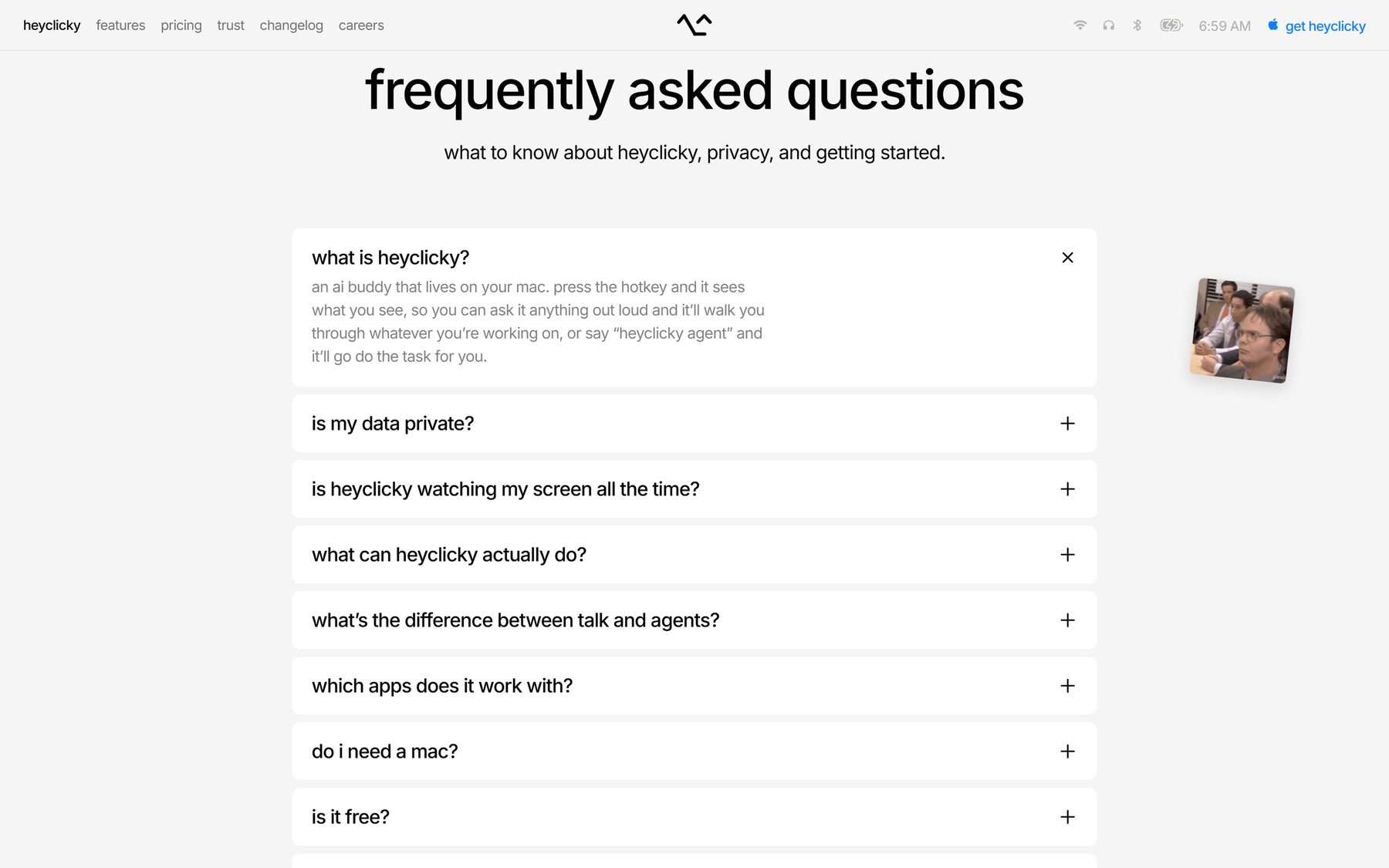
Context. HeyClicky is an AI buddy that lives on your Mac. Press the hotkey and it sees your screen: it talks you through whatever you are stuck on, draws on the screen to point the way, or runs an agent to do the task for you. It comes from Farza, the founder of buildspace, as part of Y Combinator’s Spring 2026 batch. I was brought in for everything people meet before they download: the brand, the landing page, and the front-end code behind it.
Design decisions
The choices that shaped the product.
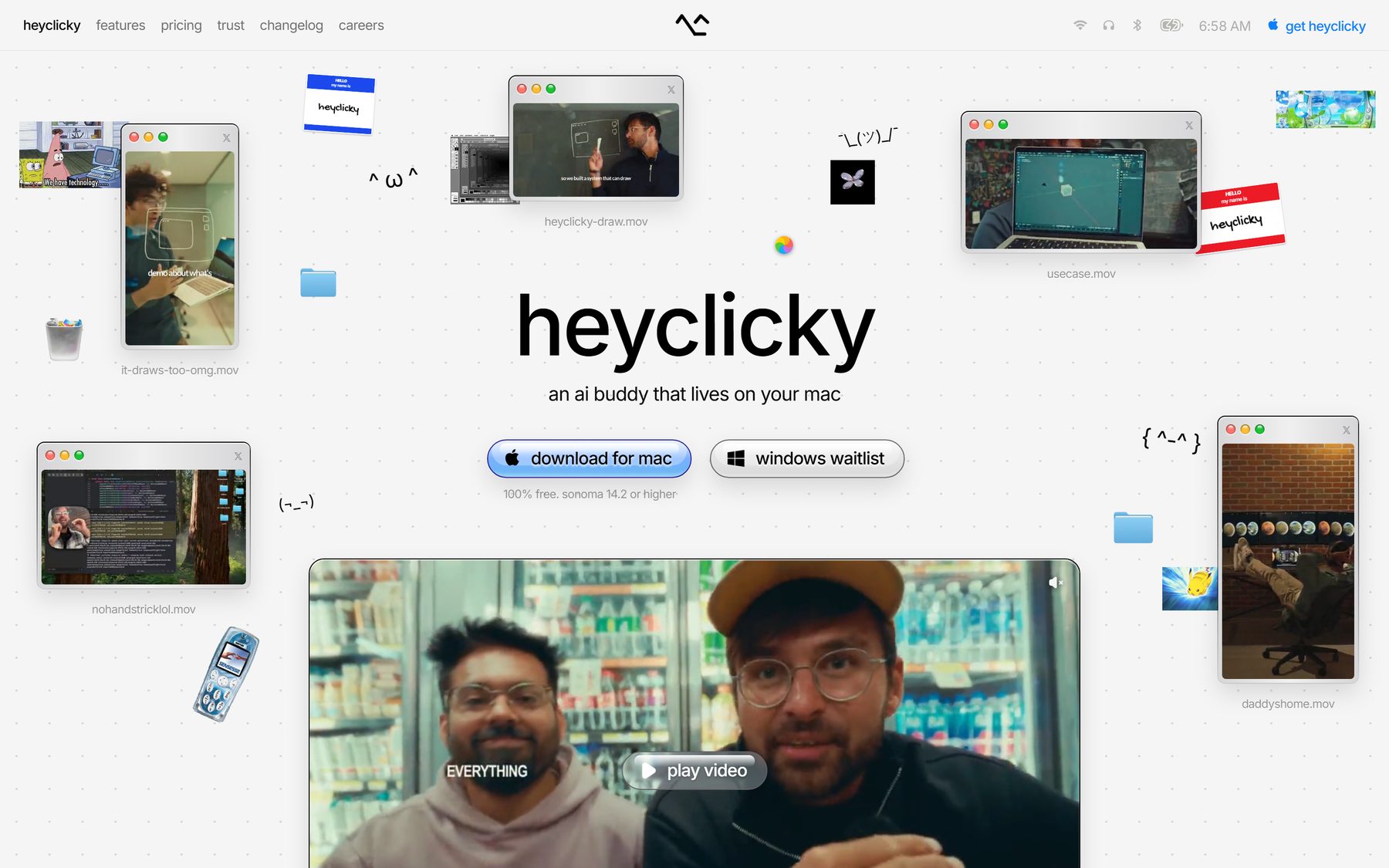
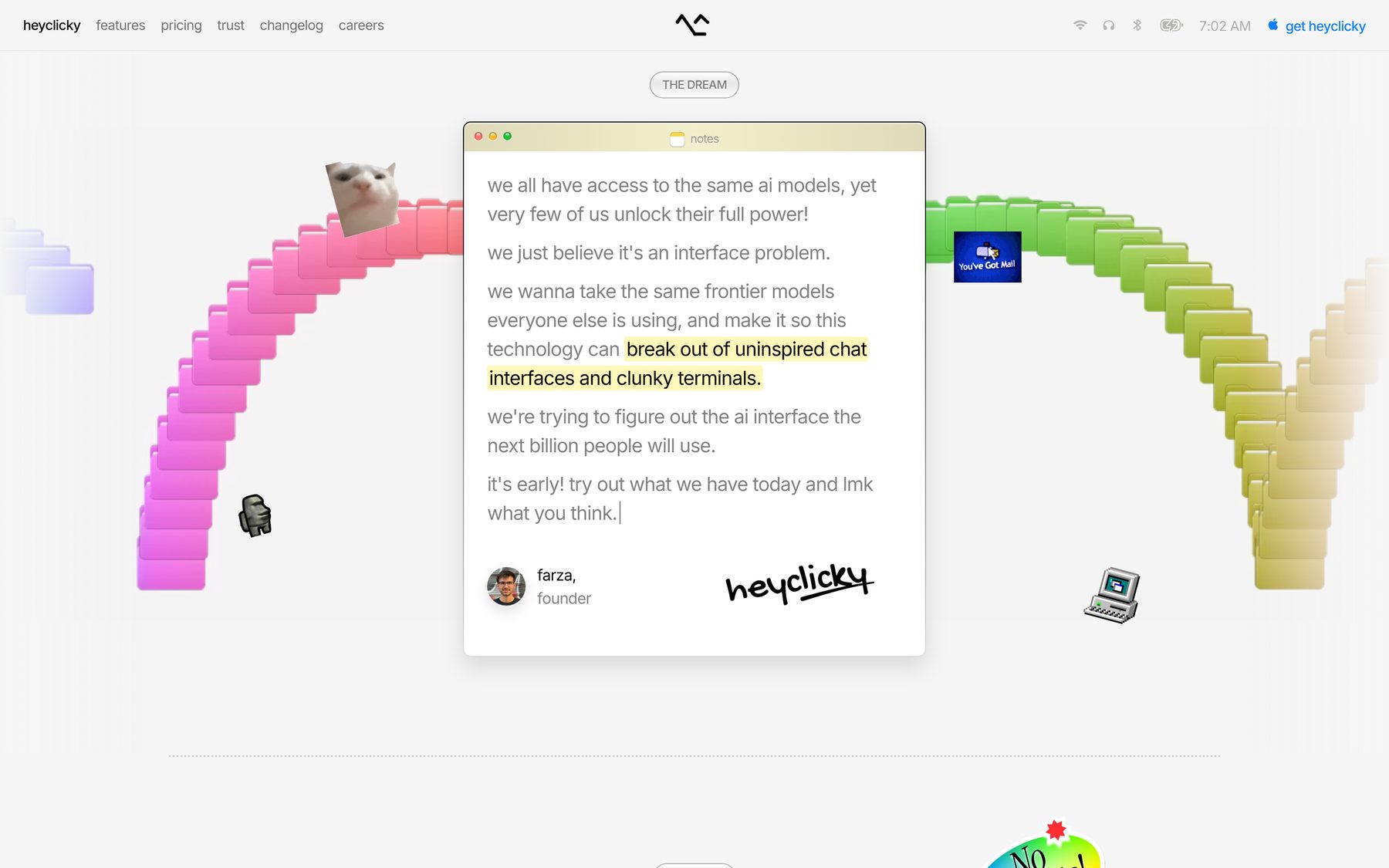
- The page is a Mac. The product lives on your desktop, so the page is one too: a menu bar with Wi-Fi, headphones, battery and a clock that shows your real time, then folders, a trash can and stickers on the wallpaper. People get “it lives on your Mac” before they read a word.
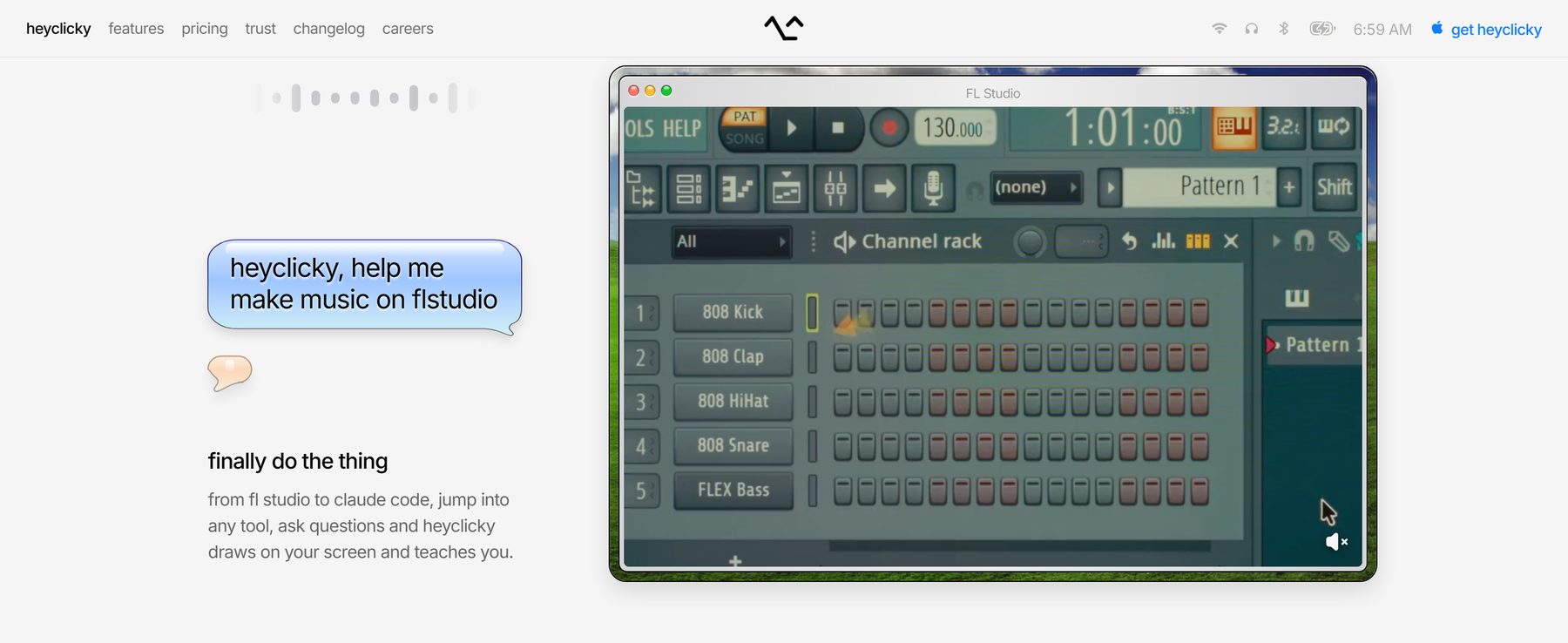
- Every demo is a file on the desktop. Instead of feature cards, each capability is a screen recording playing in its own window, captioned like a real file: heyclicky-draw.mov, it-draws-too-omg.mov. For a kind of product people don’t have a word for yet, watching it work beats any paragraph.
- One button that glows. On a grey, dotted canvas the only glossy, coloured thing is “download for mac”, drawn like a classic Aqua button. Windows users get a quiet waitlist pill beside it, so nobody leaves with nothing to click.
One decision, start to finish
Let the product explain itself.
- Problem
HeyClicky is a new kind of product, an AI that sees your screen and talks you through it. People had no word for it yet, and a visitor decides in seconds whether to download.
- What I saw
The product’s best argument is watching it work: drawing on the screen, walking someone through a real app, running an agent.
- Options
Feature cards with icons and one-line benefits, the default SaaS layout, or let the recordings do the explaining.
- Choice and cost
Recordings, each in its own Mac window captioned like a file on the desktop. The cost is weight: a page full of video still has to load fast, so the windows, icons and menu bar are real markup with SVG, AVIF and WebP rather than heavy images.
- What happened
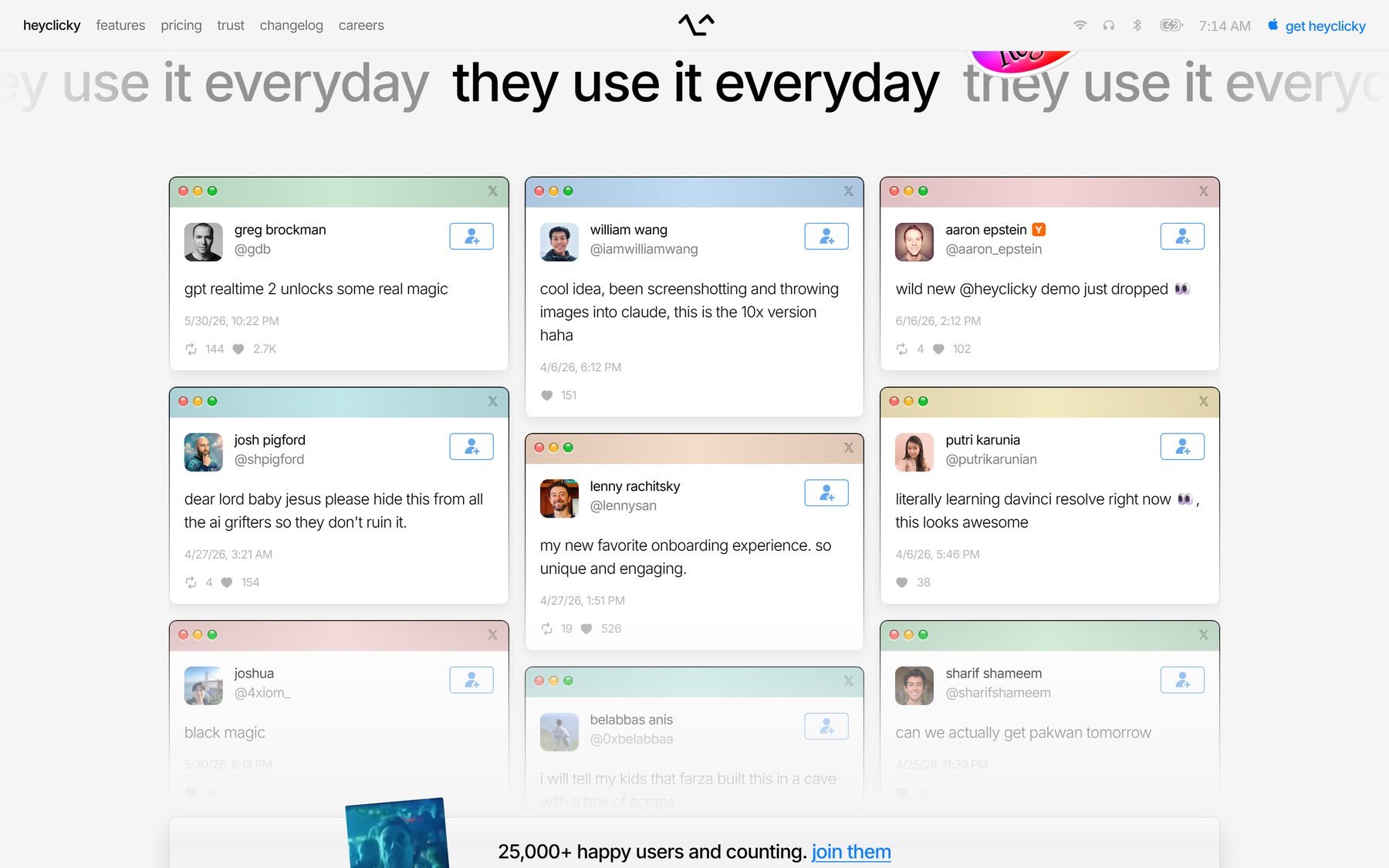
HeyClicky has passed 25,000 users, and this page is still its front door. It’s live, so every detail here can be checked.
The work
Real screens, and the reasoning behind them.
Brand
The logo is the hotkey.
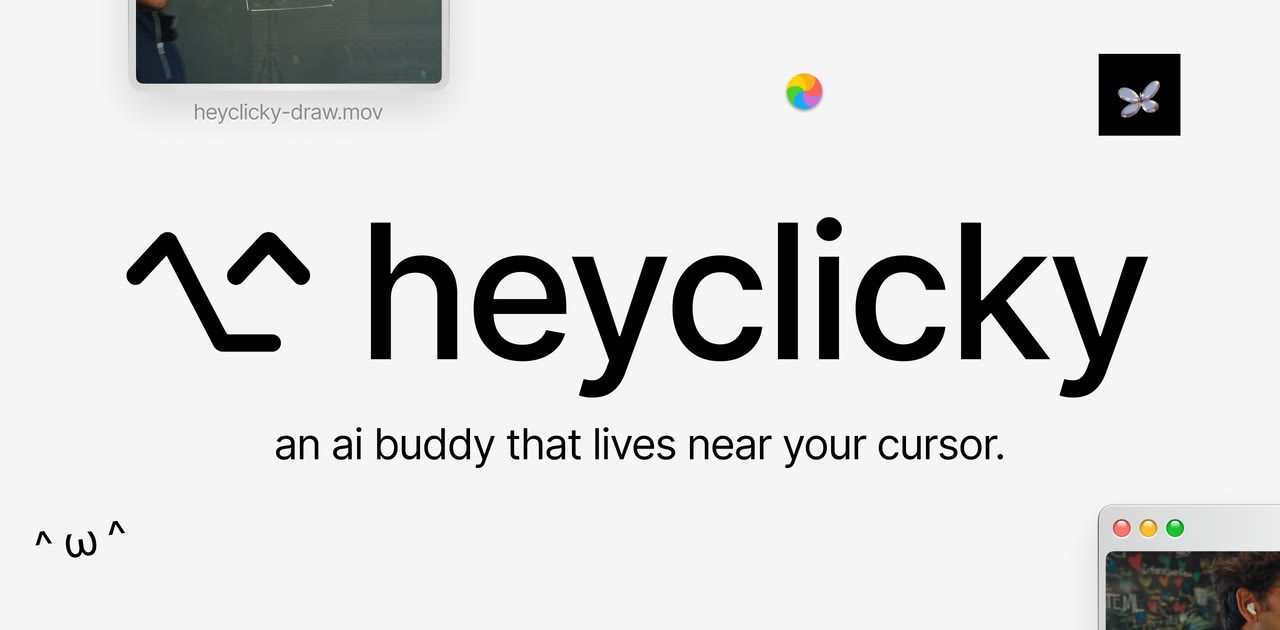
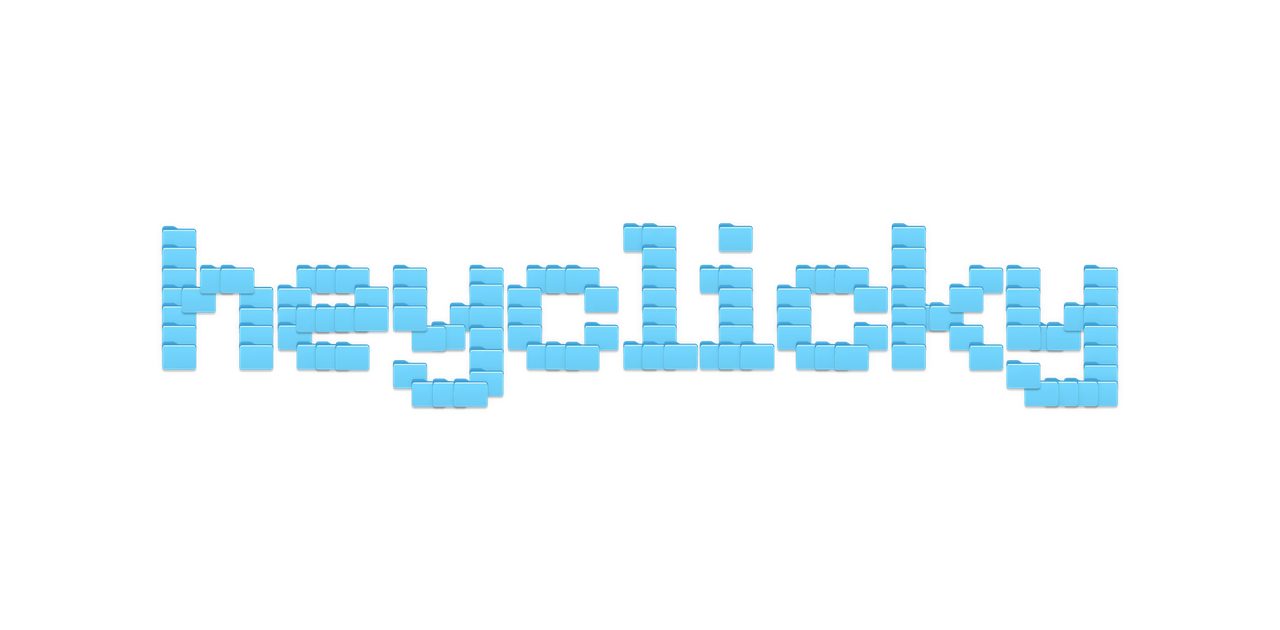
HeyClicky wakes up when you press Control and Option, so the mark is those two keys, ⌃ and ⌥, drawn as one line. Use the product for a week and your fingers know the logo. Around it sits a small kit from the same old desktop: a wordmark stacked out of Finder folders, “HELLO my name is” name tags, and kaomoji that keep an app that watches your screen from ever feeling cold.
Designed, then built
The retro details are real interface, not a picture of one.
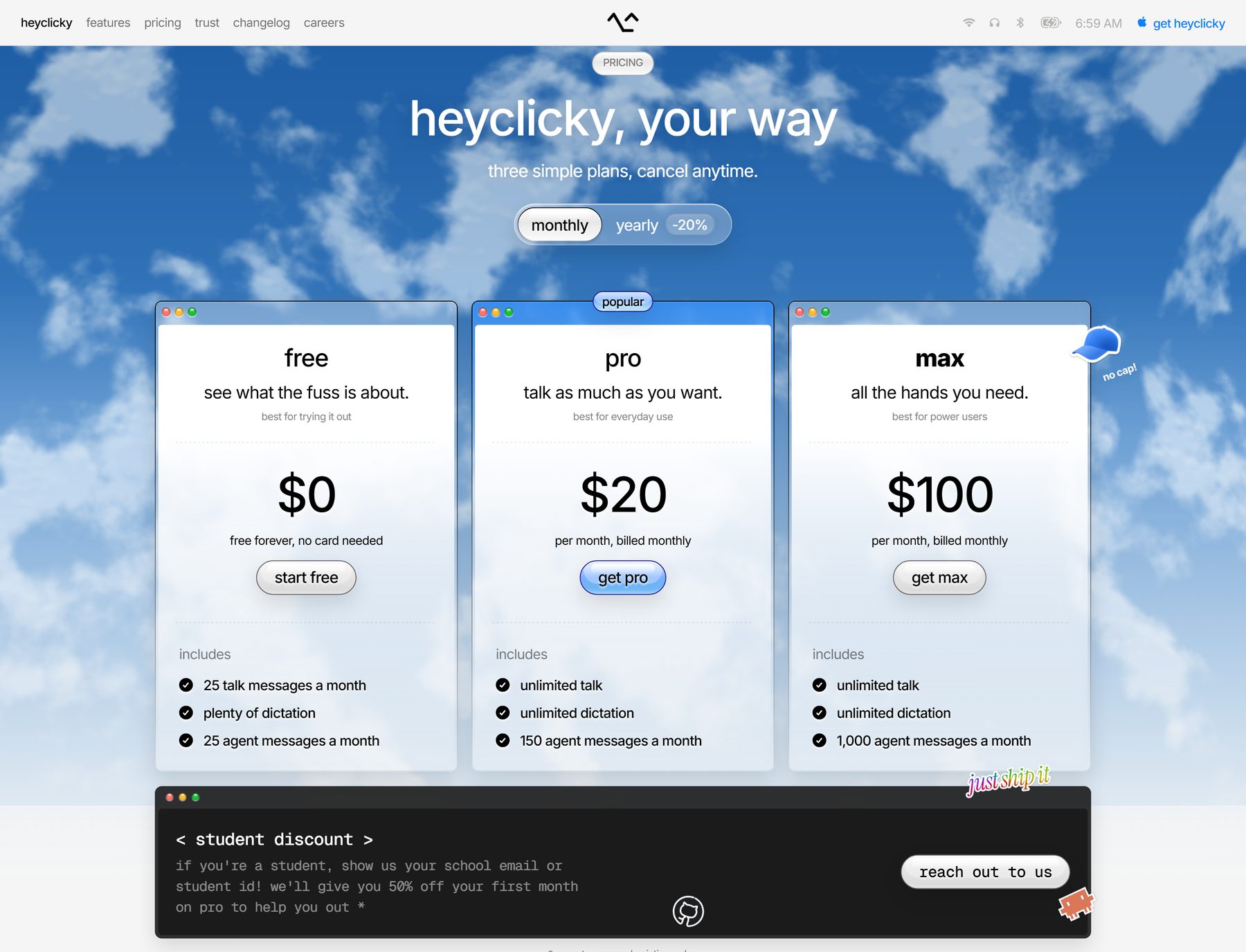
I coded the page myself. The menu bar, the windows and their traffic-light buttons are live markup with SVG, AVIF and WebP assets, so they stay sharp on a Retina screen and the demos can play inside them. On a phone the desktop folds into one column, and the download button turns into “send it to me”, because nobody installs a Mac app from their phone.
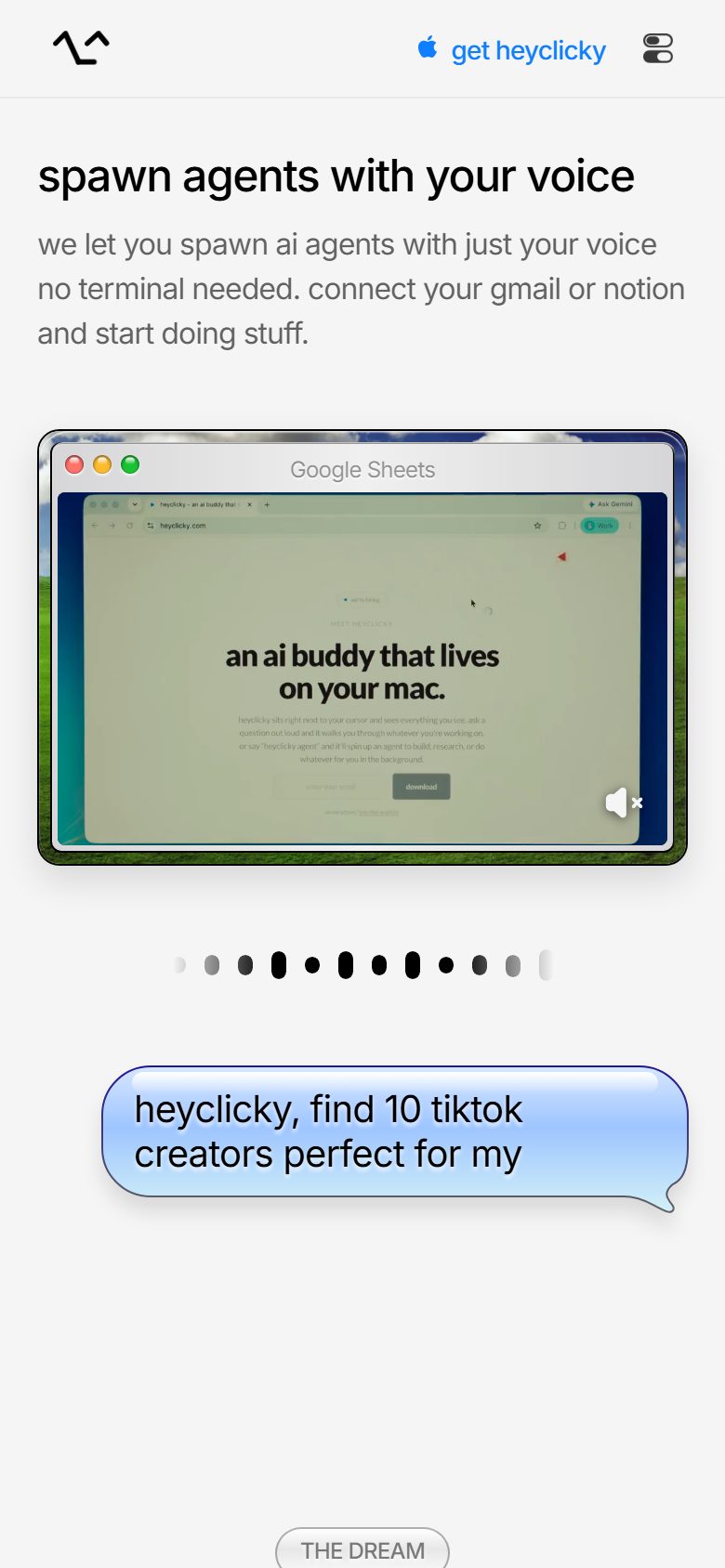
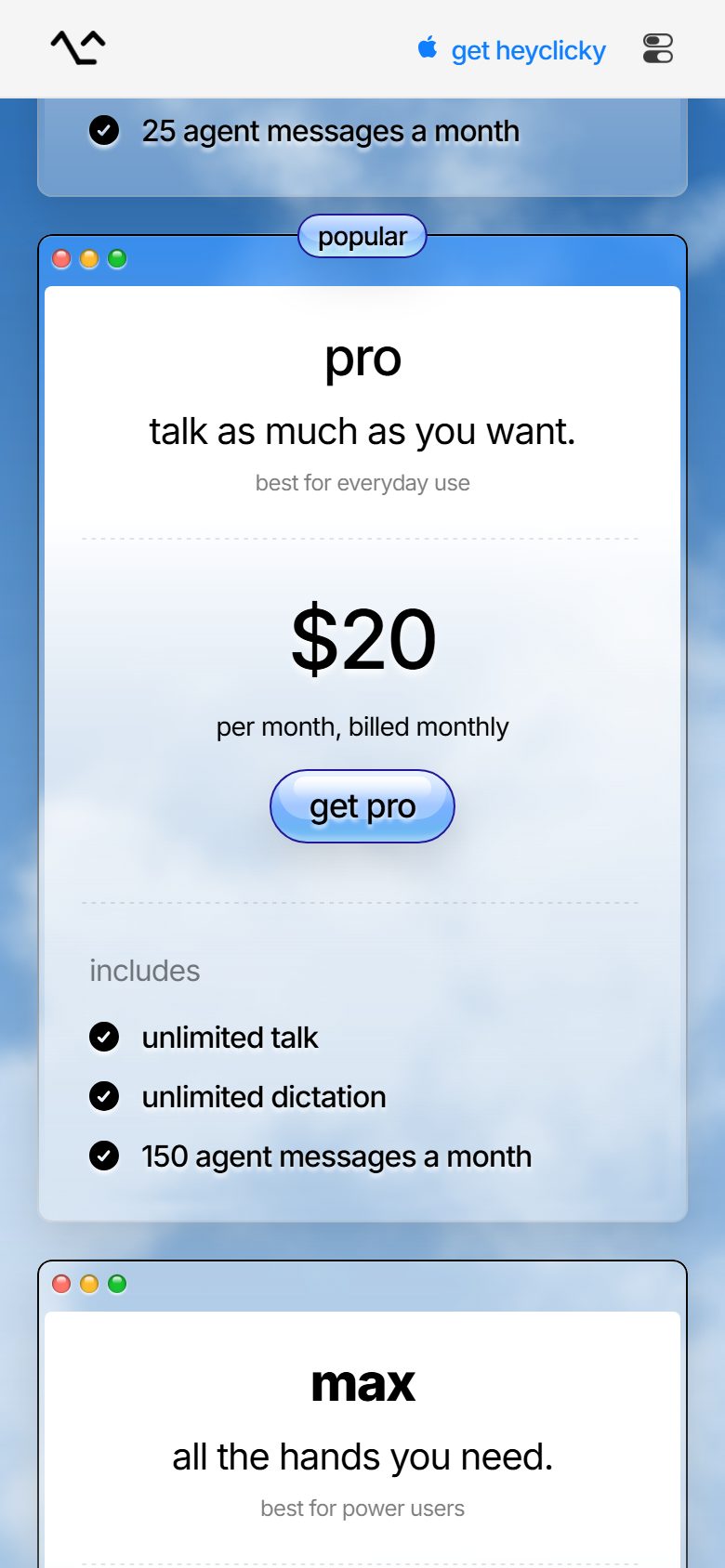
Left → right: “send it to me” instead of a download, in motion · demos stacked into one column · each plan in its own window